Your face and your screen, laid out on the timeline.
Record your camera with the screen, then decide afterwards how it looks. Layouts are blocks on the timeline, so the camera can go full screen for the intro and shrink into a corner for the demo.
macOS 15.2+ • free to try • pay once from $49
Three layouts
Overlay puts the camera on top of the screen, Fullscreen fills the frame with it, and Side by Side gives each half.
Switch on the timeline
Add Camera Layout blocks to change the layout mid-video, with a smooth transition between them.
Place and shape it
Pick one of nine positions or drag it anywhere, then set its size, shape, roundness, edge gap, shadow and border.
Remove or blur the background
Remove your background, blur it or replace it with a colour, using a model that runs on your Mac.
Mirror it
Flip the camera horizontally so text behind you reads the right way round.
Recorded separately
The camera is saved as its own file, so changing the layout never means re-recording.
How it works
- 01
Turn on Camera before recording
In the recorder, switch on Camera and pick your webcam. A live preview shows what will be captured.
- 02
Style the webcam
Open Webcam in the inspector to set the layout, position, size, shape, roundness, border, shadow and background.
- 03
Change layouts over time
Add a Camera Layout track with + Track and drop layout blocks where the video should switch between overlay, full screen and side by side.
Common questions.
Can I record my screen and webcam at the same time?
Yes. Turn on Camera in the recorder. The screen and camera are recorded together as separate files and stay in sync in the editor.
Can I remove the background behind me?
Yes. Set the webcam background to Remove, Blur or Color. It runs on your Mac, with no green screen and no upload.
Can the webcam be a circle?
Yes. Turn Roundness all the way up on a square shape to get a circle, or choose the original, landscape or portrait shape.
Can I move the webcam halfway through the video?
Yes. Add Camera Layout blocks on the timeline. Each one sets the layout from that point on, with an animated change between them.
Works well with
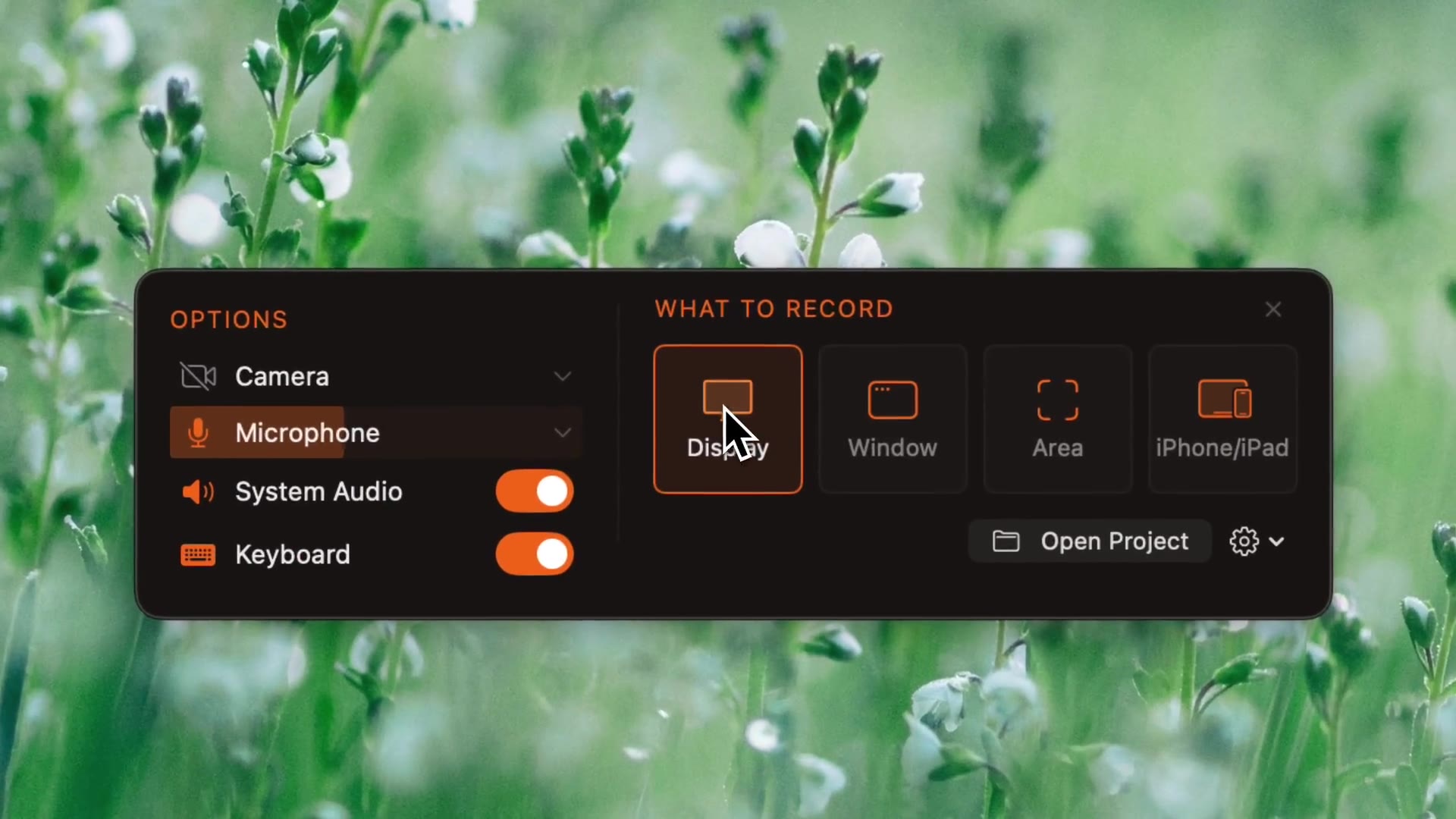
Screen recording
Record a display, a window or an area, with system audio, mic, webcam and keystrokes.
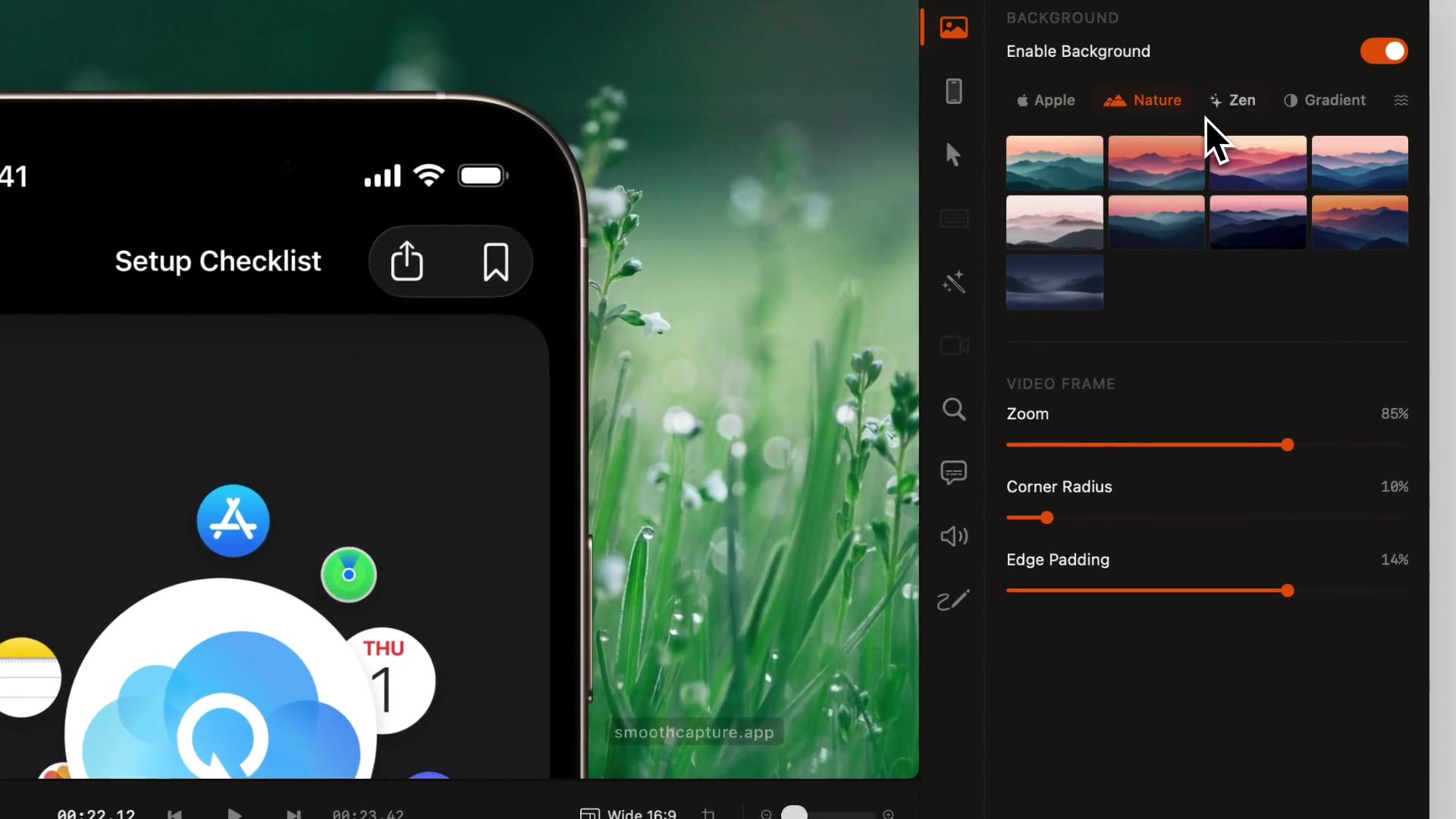
Backgrounds & aspect ratios
Wallpapers, colours, animated shaders, padding and corners, in any aspect ratio.
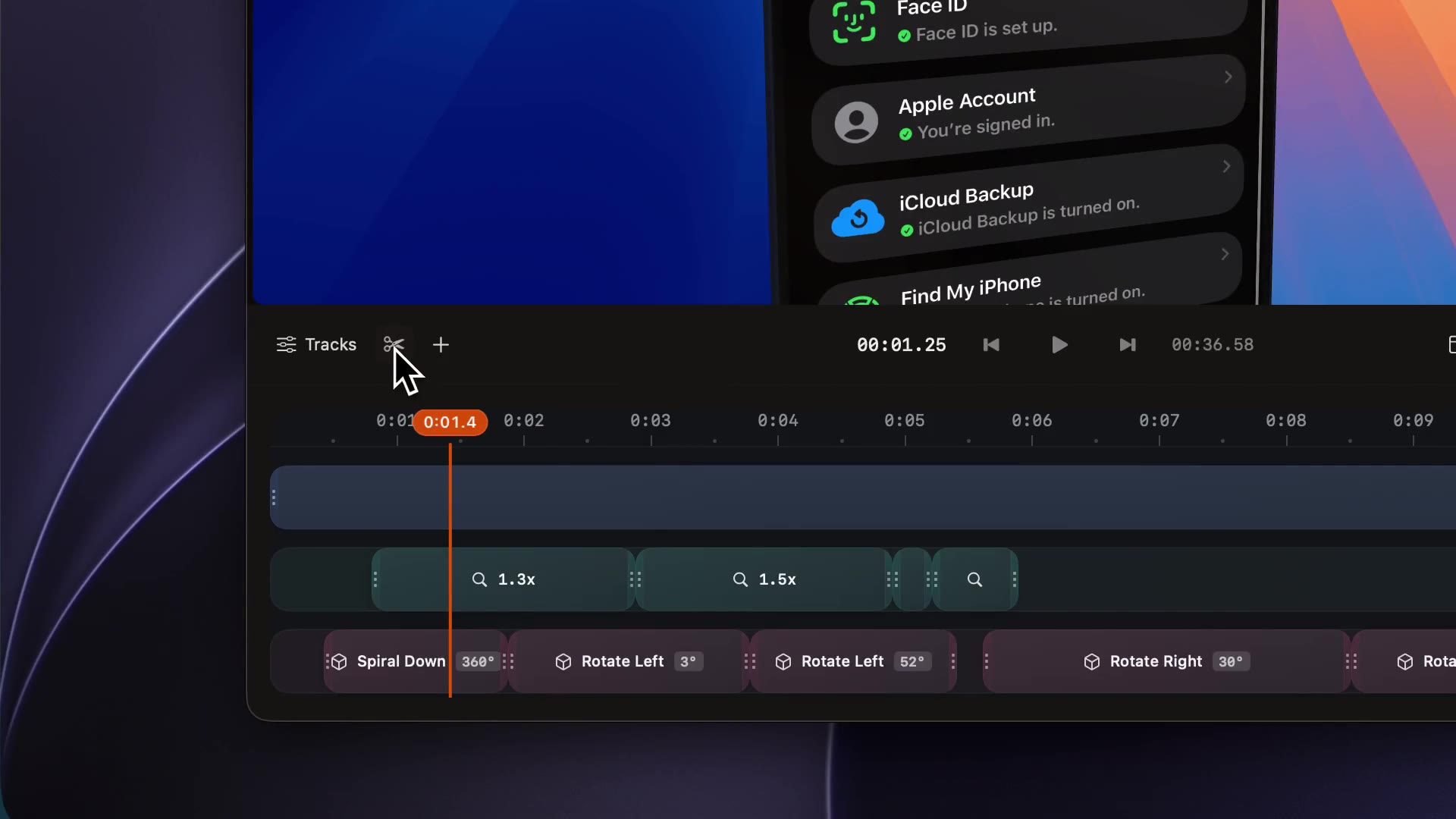
Timeline editor
Trim, split, speed up, reorder and join clips, with a track for every effect.
Try it on your own recording.
Record and edit for free. A licence unlocks export.
