Put your recording on a better background.
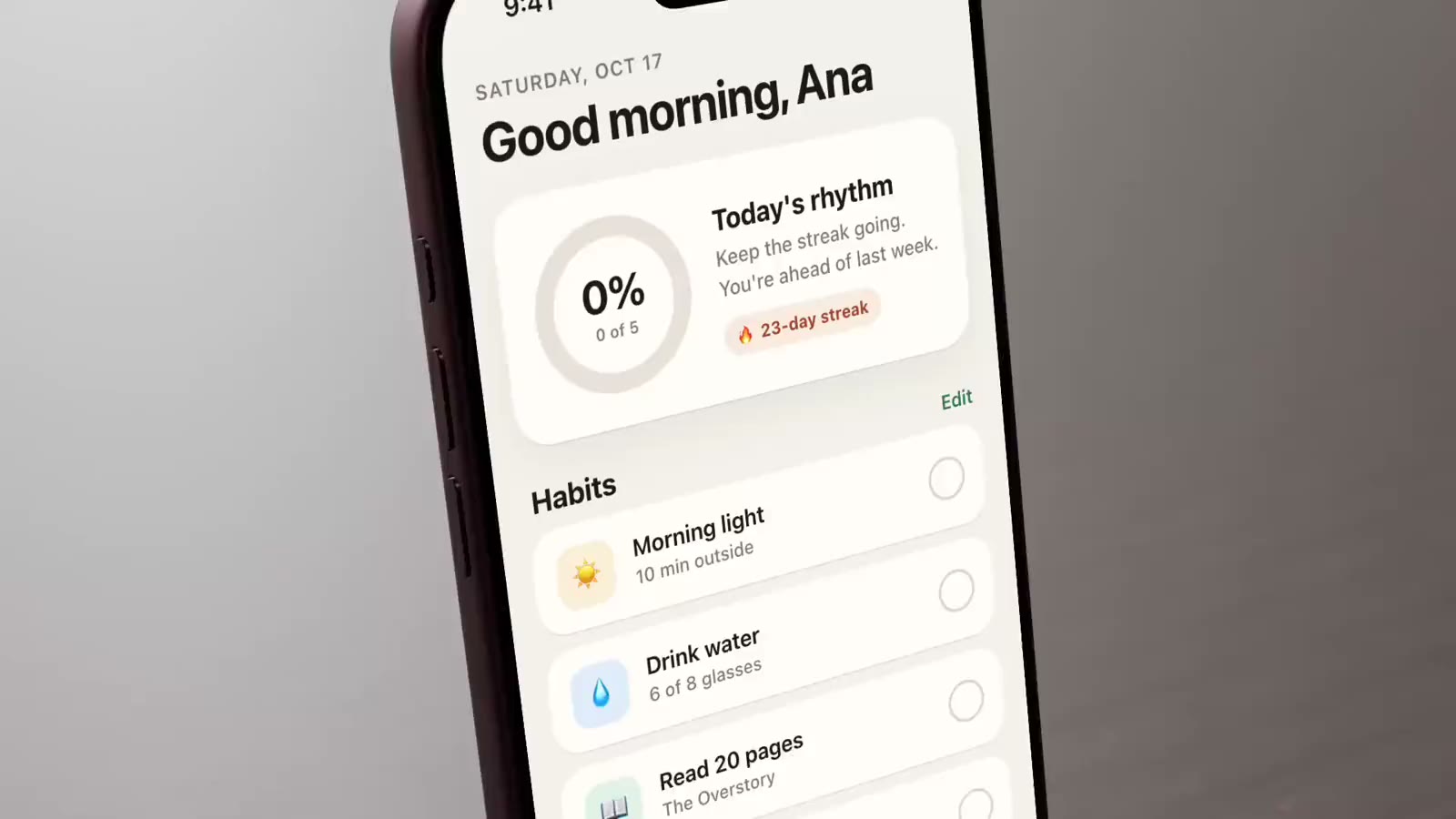
Replace the desktop behind your recording with a wallpaper, a colour or an animated background, then pick the shape of the video: wide, square or vertical.
macOS 15.2+ • free to try • pay once from $49
Images and colours
Pick from the Apple, Nature, Zen and Gradient collections, use your own image, or choose a solid colour.
Animated backgrounds
Mesh Gradient, Grain Gradient, Simplex Noise, Neuro Noise, Warp and God Rays move behind your video.
Frame the video
Set the video’s zoom from 50% to 200%, the corner radius and edge padding.
Seven aspect ratios
Source, 16:9, 19.5:9, 4:3, 1:1, 9:16 and 9:19.5, set once for the whole project.
Brightness and blur
Dim a busy wallpaper or blur it so the recording stands out.
Apply to everything
Apply to All Clips and Cards copies the look to every take and slide.
How it works
- 01
Pick a background
Open Background in the inspector, choose a type, then a wallpaper, colour or shader. Adjust zoom, corners and padding under Video Frame.
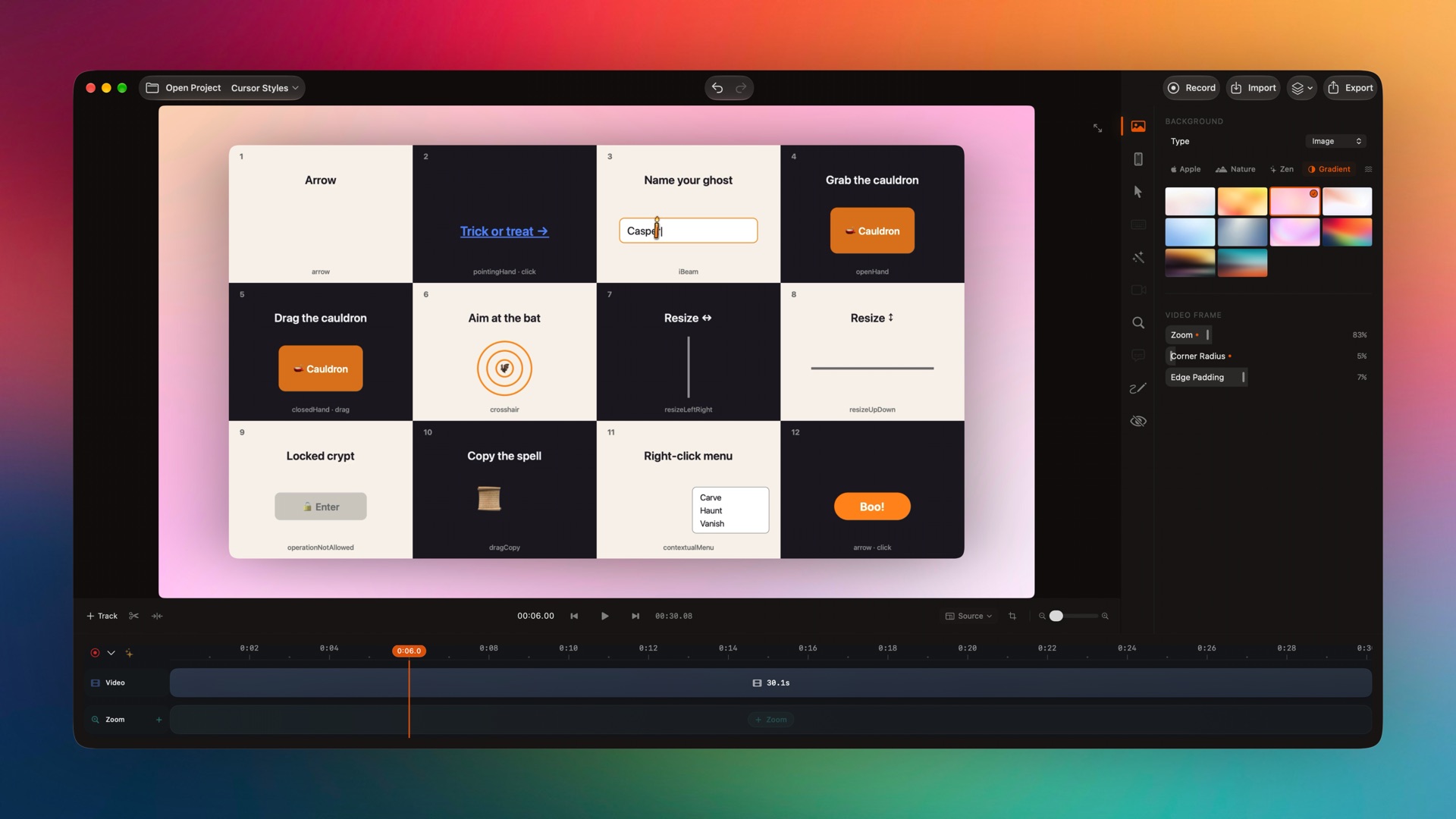
This background was set with smoothcapture cli editor apply → setAppearance. - 02
Change the aspect ratio
Use the aspect ratio menu under the preview to switch the whole project between wide, square and vertical.
Or ask your agent to do it.
Set the look of a take from a script. The response lists exactly which takes changed.
Set up MCP and the CLIsmoothcapture cli editor apply --input - <<'JSON'
{"revision": "…", "operations": [
{"action": "setAppearance", "clip": "…",
"appearance": {"background": "Gradient/gradient_3",
"padding": 0.84, "cornerRadius": 0.05}}
]}
JSONCommon questions.
Can I export a vertical video for TikTok, Reels or Shorts?
Yes. Set the project to Portrait 9:16 and the recording is laid out on a vertical canvas. Use zoom and padding to fill it.
Can I use my own background image?
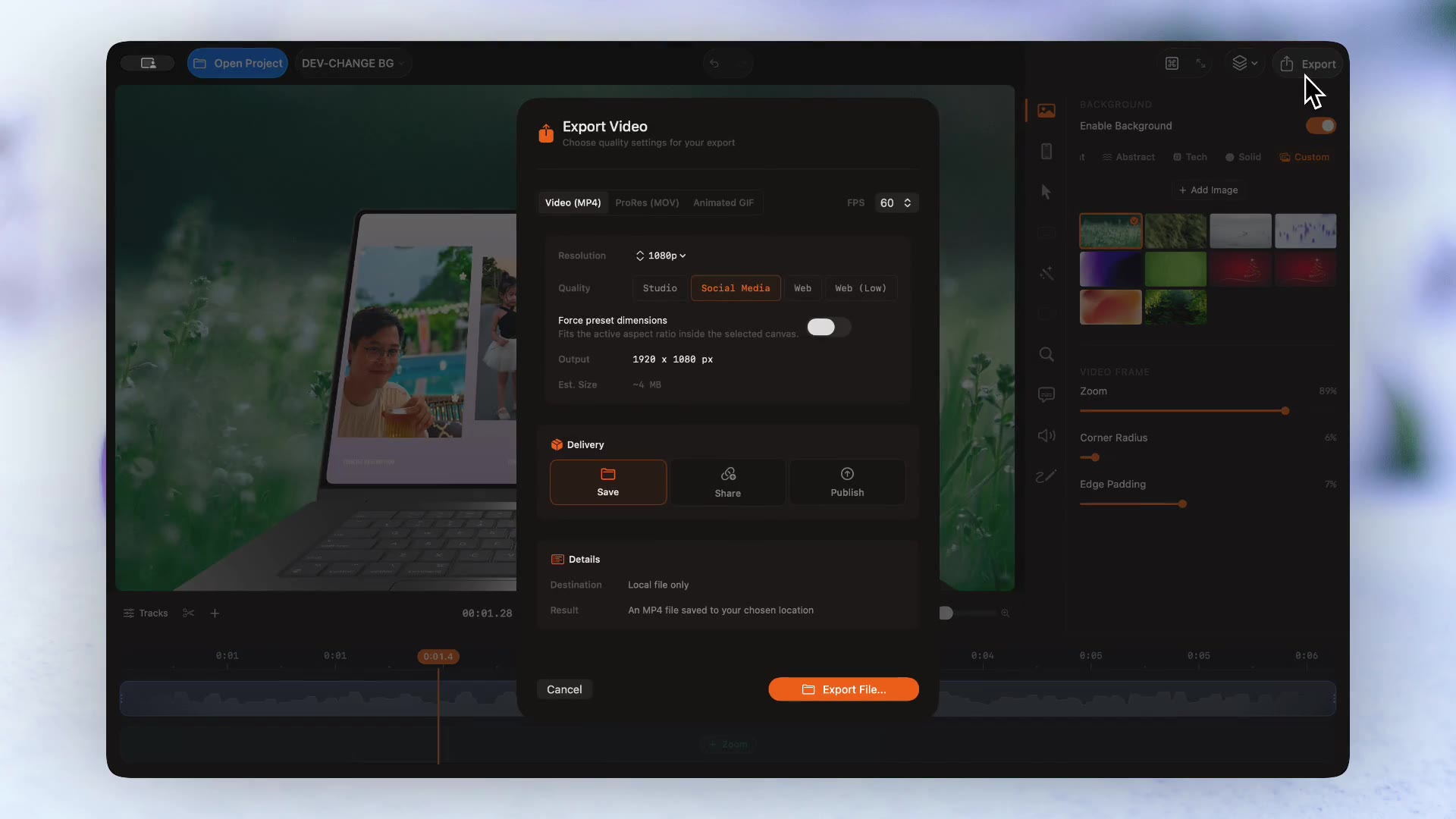
Yes. Choose Image and add your own picture next to the built-in collections.
Can I have a transparent background?
Yes, at export. Choose ProRes (MOV) with Transparent background to get ProRes 4444 with alpha.
Export formatsCan different clips have different backgrounds?
Yes. Background belongs to each take, so every recording can have its own. Apply to All Clips and Cards makes them match.
Try it on your own recording.
Record and edit for free. A licence unlocks export.
