Record iOS Simulator, iPhone & iPad on Your Mac
Record the Xcode iOS Simulator straight from your Mac, or connect an iPhone or iPad via USB and capture the real device. Add 3D device frames, custom backgrounds, and cinematic effects to create polished app demos and tutorials.
USB Recording Workflow
Recording your iPhone or iPad screen on your Mac takes just a few steps. No wireless setup, no third-party drivers, no lag.
Connect your device via USB
Plug your iPhone or iPad into your Mac with a Lightning or USB-C cable. Trust the computer on your device if prompted.
Select the device in SmoothCapture
Open SmoothCapture and choose your connected iOS device from the capture source list. The device screen appears in real time.
Record your session
Hit record and interact with your iPhone or iPad normally. SmoothCapture captures the full-resolution video feed directly from the device.
Edit and export
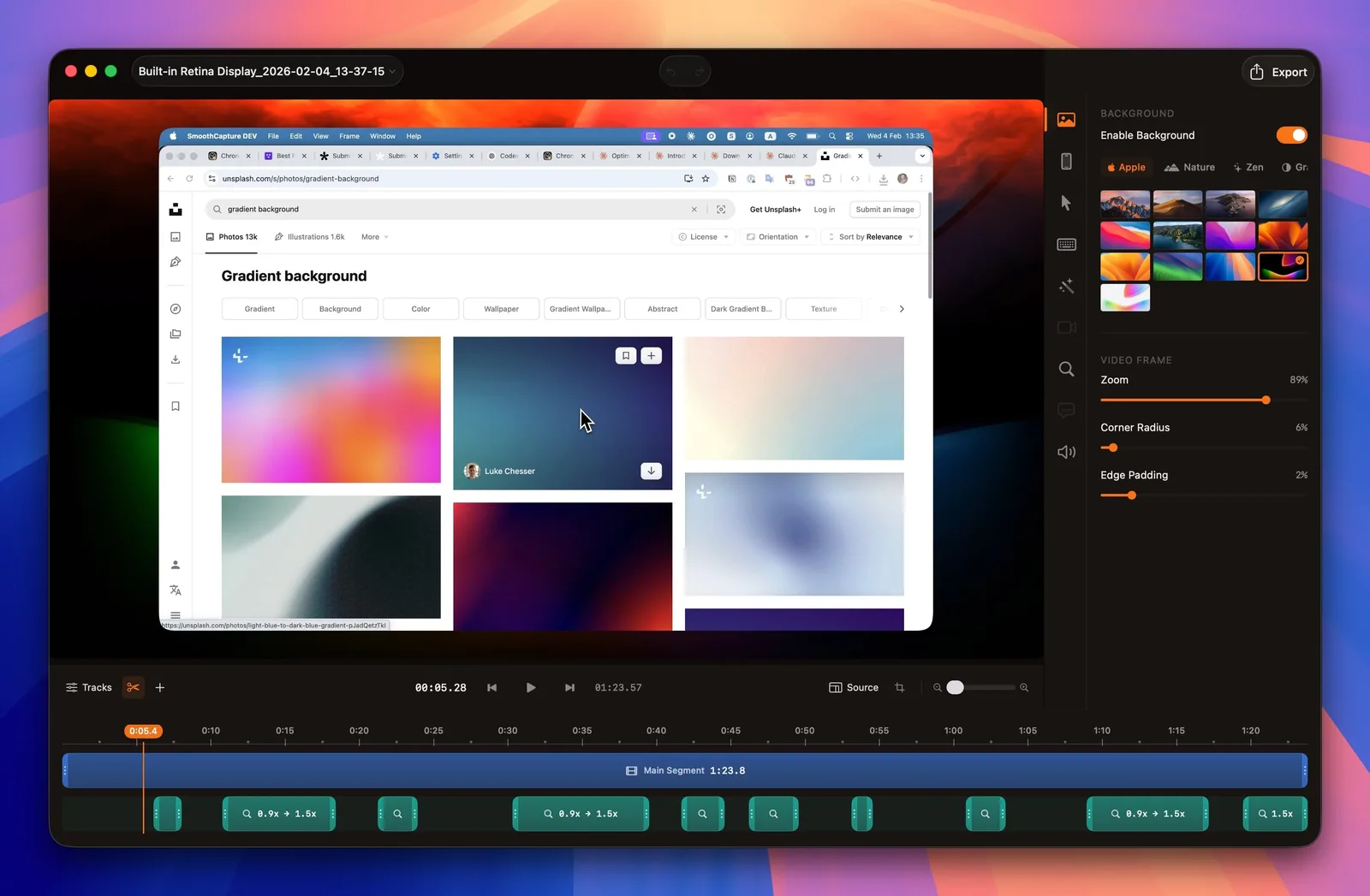
Trim your recording, add device frames, apply backgrounds and effects, then export as MP4 in up to 4K resolution.
Simulator Recording
SmoothCapture records the Xcode iOS Simulator directly as a capture source. Select any running simulator instance and record it with the same editing tools and export options available for real devices.
This is ideal for developers building App Store screenshots, creating demo videos during development, recording UI test runs, or producing marketing content before a physical device is available.
- Record any running iOS Simulator instance
- No physical device required
- Same editing tools as real device recordings
- Add 3D device frames for App Store assets
- Perfect for CI/CD demo video generation
Device Compatibility
SmoothCapture works with any iPhone or iPad that connects to your Mac via USB. Here are the devices we have tested and verified.
iPhone
- iPhone 16 Pro / 16 Pro Max
- iPhone 16 / 16 Plus
- iPhone 15 Pro / 15 Pro Max
- iPhone 15 / 15 Plus
- iPhone SE (3rd generation)
iPad
- iPad Pro (M4 / M2 / M1)
- iPad Air (M2 / M1)
- iPad mini (6th generation)
- iPad (10th generation)
Any iOS device that appears as a capture source via USB on macOS is supported. Older devices not listed above may also work.
Frequently asked questions
Can I record my iPhone screen on Mac?
Yes. SmoothCapture lets you record your iPhone screen directly on your Mac by connecting the device via USB. The video feed is captured in real time at full resolution, and you can edit and export it with device frames, backgrounds, and effects.
Does it support iOS Simulator recording?
Yes. SmoothCapture can record the Xcode iOS Simulator directly as a capture source. This is useful for developers who want to create app demos, test recordings, or marketing materials without needing a physical device.
What iOS devices are supported for USB recording?
SmoothCapture supports any iPhone or iPad that can be connected to your Mac via USB, including iPhone 16 Pro, iPhone 16, iPhone 15 Pro, iPhone 15, iPhone SE, iPad Pro, iPad Air, iPad mini, and standard iPad models.
Can I add a device frame around my iOS recording?
Yes. SmoothCapture includes 3D device frames for iPhone and iPad models. After recording, you can wrap your footage in a realistic device mockup with perspective, shadows, and custom background colors for professional app demos and marketing videos.
Record your iOS devices like a pro
Download SmoothCapture and start recording your iPhone or iPad screen on your Mac. Record, edit, and test effects before buying; exporting and share links require a valid license key.
macOS 15.2 or later