Captions that write themselves, on your Mac.
Transcribe a recording, a microphone track or a voice-over without uploading it. Captions highlight each word as it is spoken, and the transcript doubles as a way to cut the video.
macOS 15.2+ • free to try • pay once from $49
Runs on your Mac
Audio is transcribed locally. Nothing is sent to a server.
Two engines
Apple Speech on macOS 26, or FluidAudio on any supported macOS after a one-time model download of about 200 MB.
Word-level highlighting
Each word lights up as it is spoken, karaoke style, with adjustable caption size.
Pick the source
Transcribe the screen recording’s audio, your microphone track or an audio clip such as an AI voice-over.
25 languages with FluidAudio
English plus 24 European languages, including German, French, Spanish, Italian, Portuguese, Dutch, Polish and the Nordic languages.
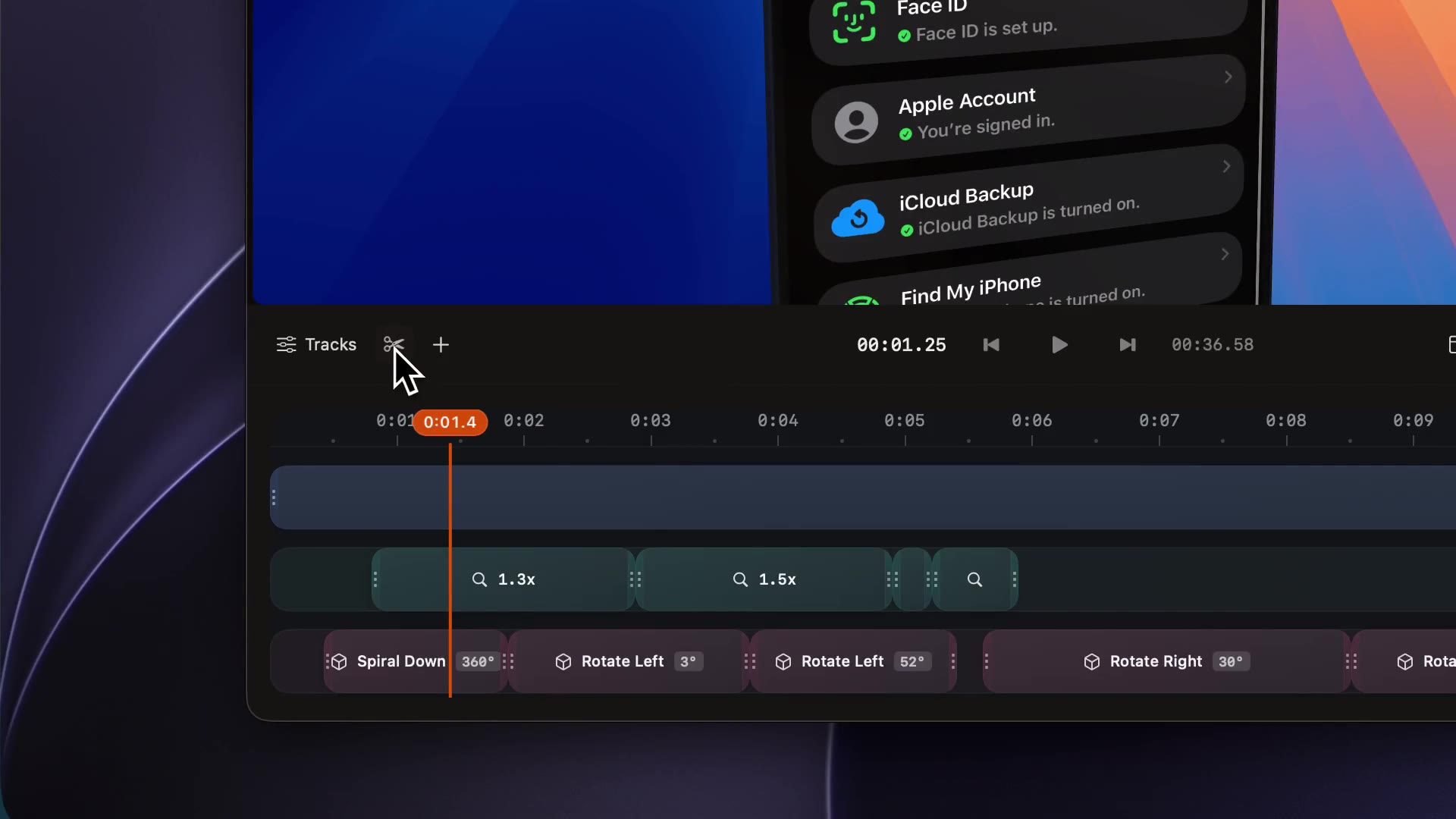
Cut by deleting text
Delete a sentence in the transcript editor and the matching video is removed. A filter finds filler words.
How it works
- 01
Choose the source and language
Open Subtitles in the inspector, pick the source and language, then click Transcribe Audio.
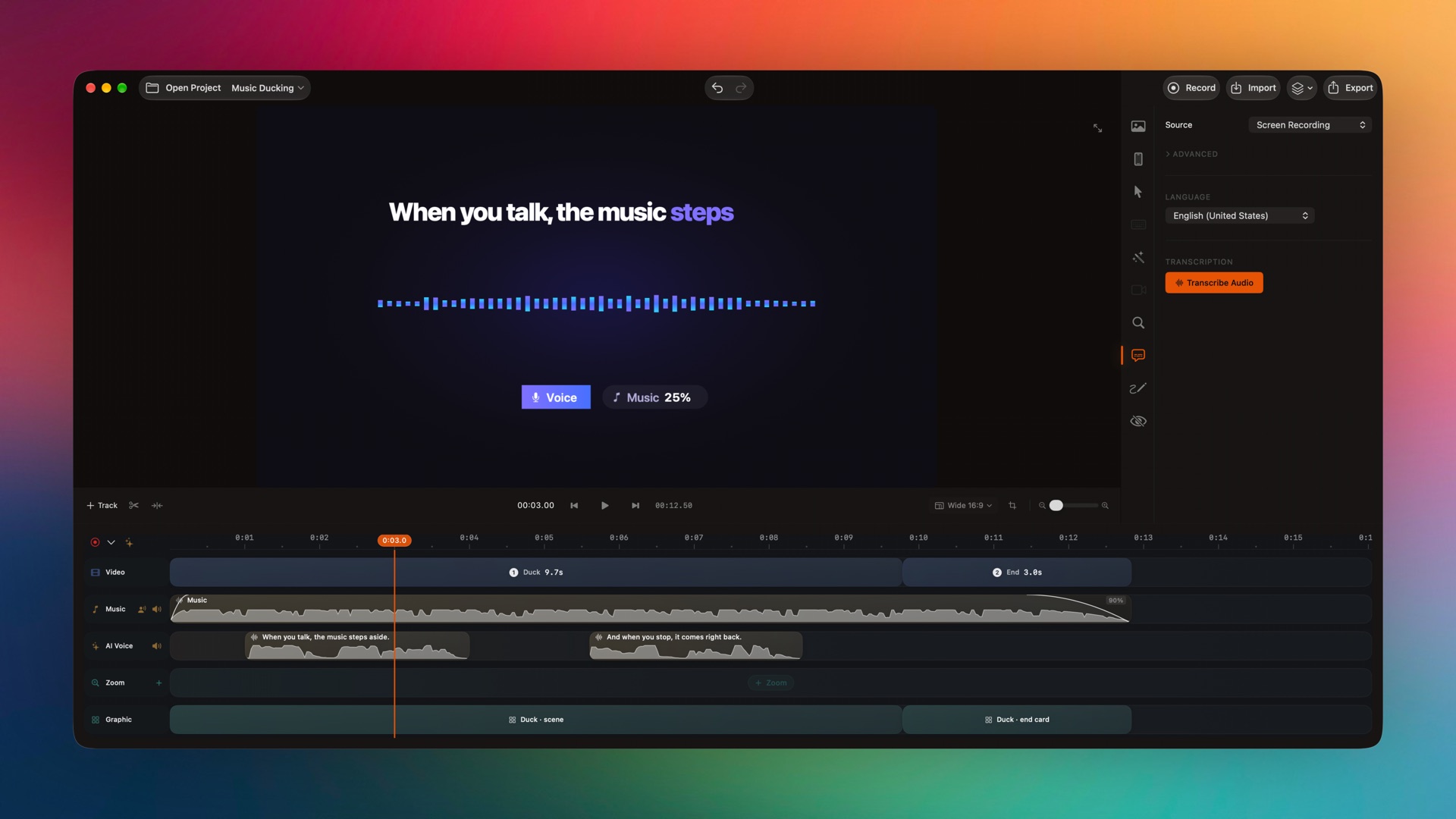
Captured from the editor with smoothcapture cli screenshot --pretty. - 02
Show and style the captions
Turn on Show Subtitles and set the size. Words are highlighted in time with the speech.
- 03
Fix and cut from the transcript
Open the transcript editor to correct words, filter for fillers and delete sentences. Re-generate the transcript at any time.
Or ask your agent to do it.
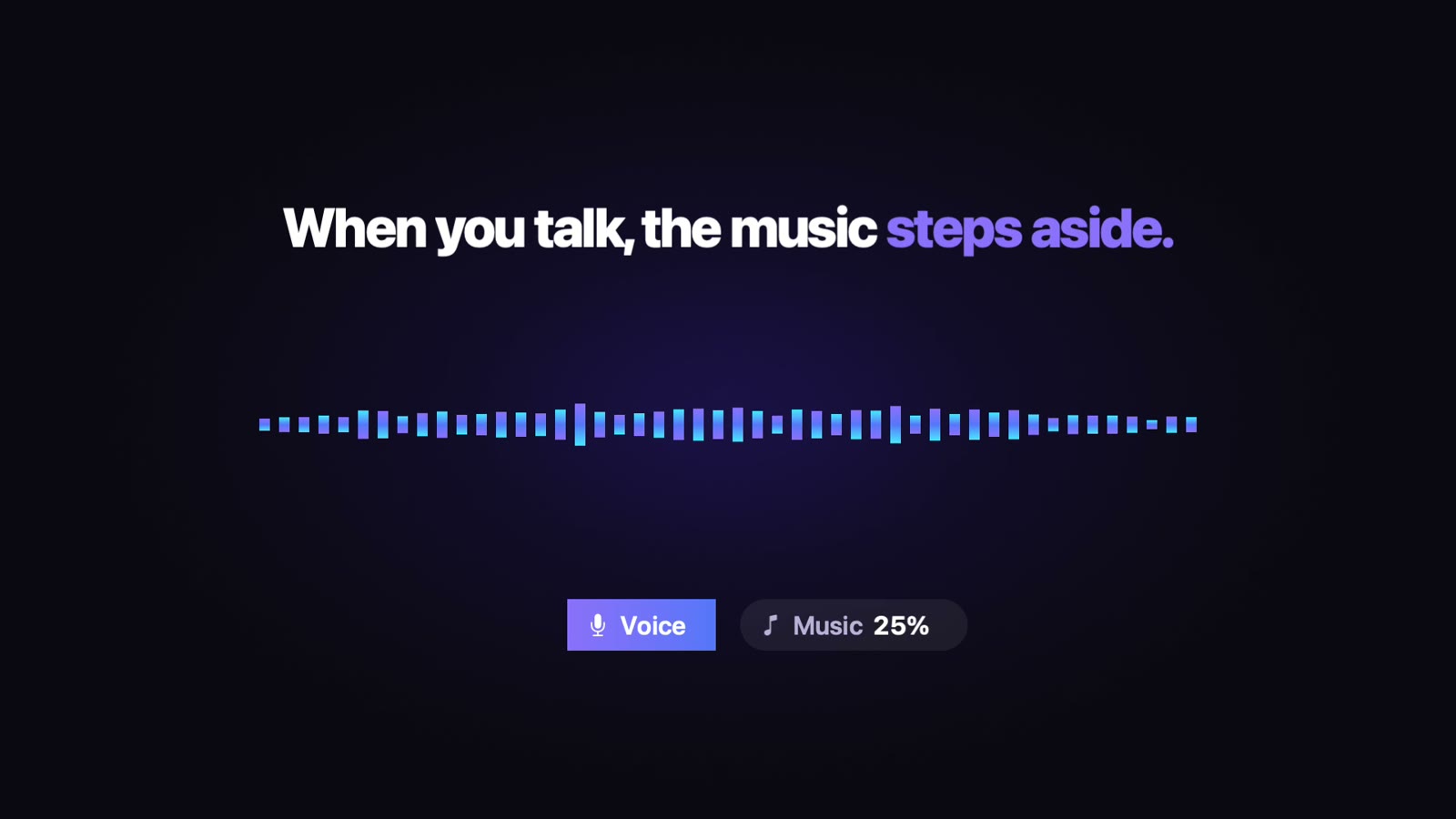
An agent can transcribe a clip or a narration track and read back word timings mapped to the timeline. These words came from the AI voice-over in the demo above.
Set up MCP and the CLIsmoothcapture cli editor transcribe --input - <<'JSON'
{"audioClip": "F5CF9040-…", "locale": "en-US",
"revision": "…"}
JSON
# → words: When you talk, the music steps aside.Common questions.
Does transcription upload my audio?
No. Both engines run on your Mac. FluidAudio downloads its models once; after that it works offline.
Which macOS do I need for captions?
Apple Speech needs macOS 26. On macOS 15.2 and later you can use FluidAudio after a one-time download of about 200 MB.
Which languages are supported?
FluidAudio supports English and 24 European languages, from German, French and Spanish to Polish, Ukrainian, Czech and the Nordic and Baltic languages. Pick the language in the Subtitles tab before transcribing.
Can I edit the captions?
Yes. Correct words in the transcript editor, or re-generate the transcript after changing the source or language.
Are captions included when an agent exports from the CLI?
Not yet. Headless CLI and MCP exports skip the subtitle track. Export from the app to burn captions in, or use editable titles for captions in scripted exports.
Works well with
Try it on your own recording.
Record and edit for free. A licence unlocks export.
