Titles and motion graphics, on the same timeline.
Type a title, pick how it enters and leaves, and highlight the words that matter. When you need more than text, drop in a designed graphic and change its words, colours and type.
macOS 15.2+ • free to try • pay once from $49
13 entrance effects
Glow, Typewriter, Fade In, Rise Up, Word Drop, Pop, Blur In, Wipe, Cascade, Word Slide, Word Blur, Letter Wave and Hero Pop.
Separate exits
Fade, blur, slide or scale a title out, or reuse any entrance effect in reverse.
Highlight words
Wrap a word in ==double equals== to colour it, like “roll” in the editor shot below.
14 built-in graphics
Title Card, Feature Cards, Feature Spotlight, Key Metric, Comparison, Numbered Workflow, Terminal, Keyboard Shortcut, Context Menu, Testimonial, Tip, Name Label, App Badge and Call to Action.
Behind the device
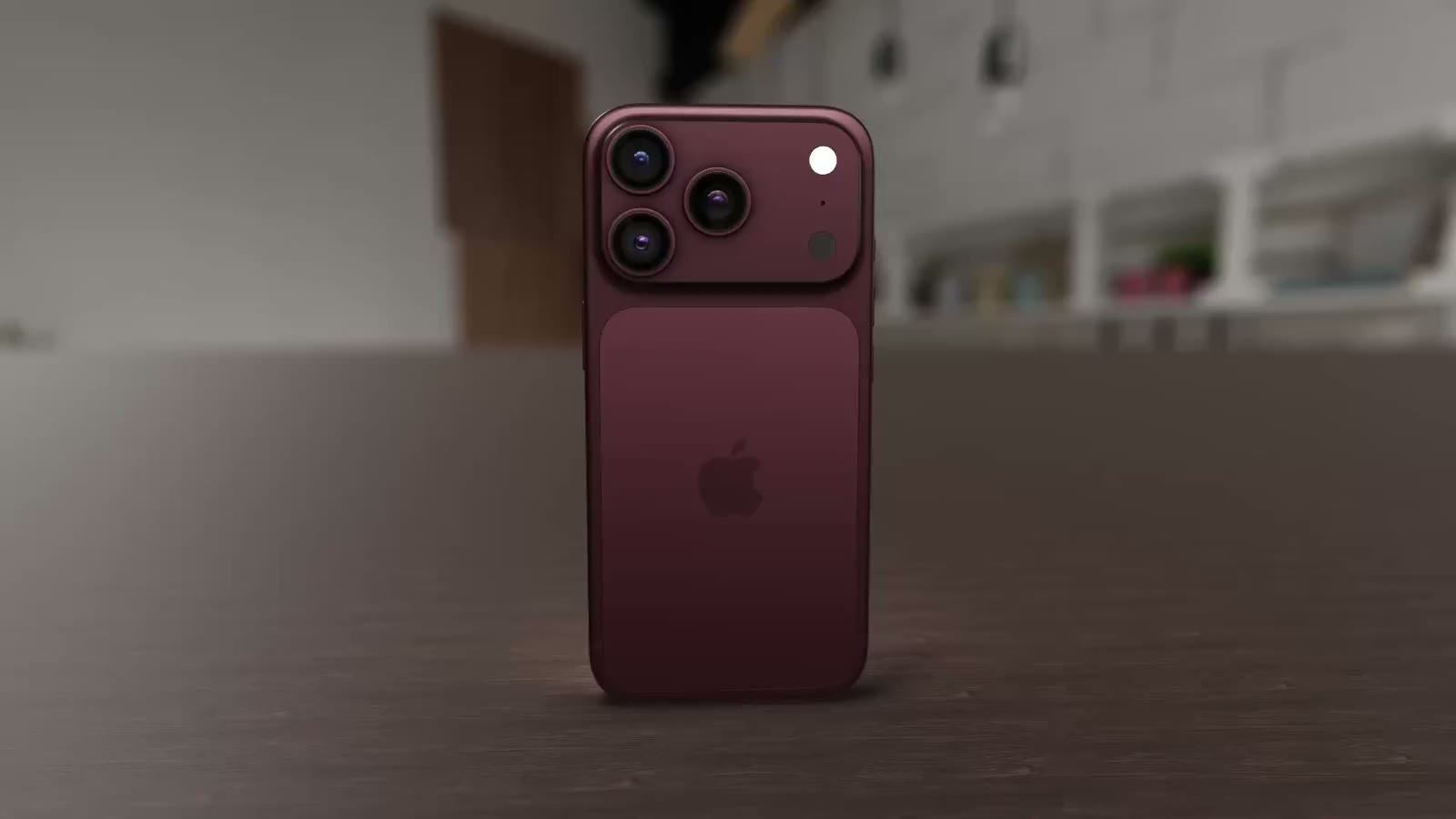
Send a title to the back and it sits behind your 3D iPhone or MacBook, in front of the background.
Slides as a canvas
Insert an empty slide with its own background for an intro, a chapter card or an end card.
How it works
- 01
Add a title or graphic
Use + Track to add a Title or Graphic track, then click it at the playhead. Pick a graphic type from the inspector.
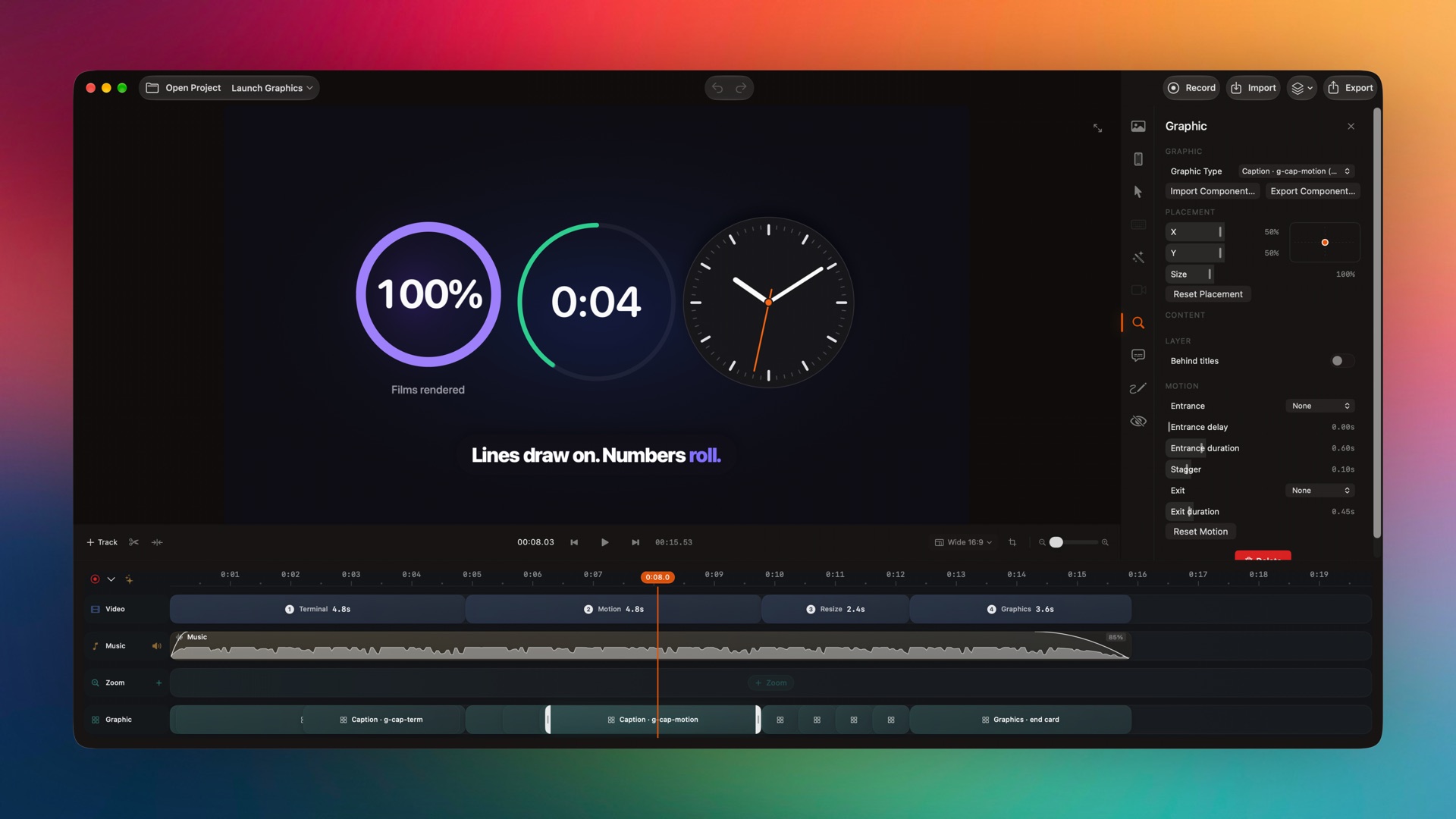
Captured from the editor with smoothcapture cli screenshot --pretty. - 02
Edit content and style
Change the text, colours, typography and shadow, set its position and size from 50% to 250%, and choose whether it sits above or below titles.
- 03
Time the motion
Set the entrance, delay, duration, stagger and exit. Drag the block’s edges to decide how long it stays on screen.
Or ask your agent to do it.
Agents can list the graphics catalog and add titles and graphics with exact timing, placement and motion in one batch.
Set up MCP and the CLIsmoothcapture cli editor apply --input - <<'JSON'
{"revision": "…", "operations": [
{"action": "addTitle", "text": "Numbers ==roll==.",
"startTime": 6.2, "endTime": 9.8,
"animation": "wordDrop", "fontWeight": "heavy"},
{"action": "addGraphic", "componentID": "smoothcapture.key-metric",
"startTime": 6, "endTime": 10,
"placement": {"x": 0.5, "y": 0.4, "scale": 1.4}}
]}
JSONCommon questions.
Can I put text behind a 3D device?
Yes. Turn on Send to back for a title. It renders above the background and behind the device, which is how launch films layer a headline behind a phone.
3D device mockupsCan I change the words and colours in a graphic?
Yes. Every built-in graphic exposes its content, colours, typography and shadow in the inspector, so you edit text instead of keyframes.
Can I make my own graphics?
Yes. Graphics are .scgraphic packages. Export one you have customised, import one from a teammate, or have an agent author one.
Can I make a video without any recording?
Yes. Start with empty slides and build the whole piece from titles, graphics and music. Slides have their own backgrounds and transitions.
Works well with
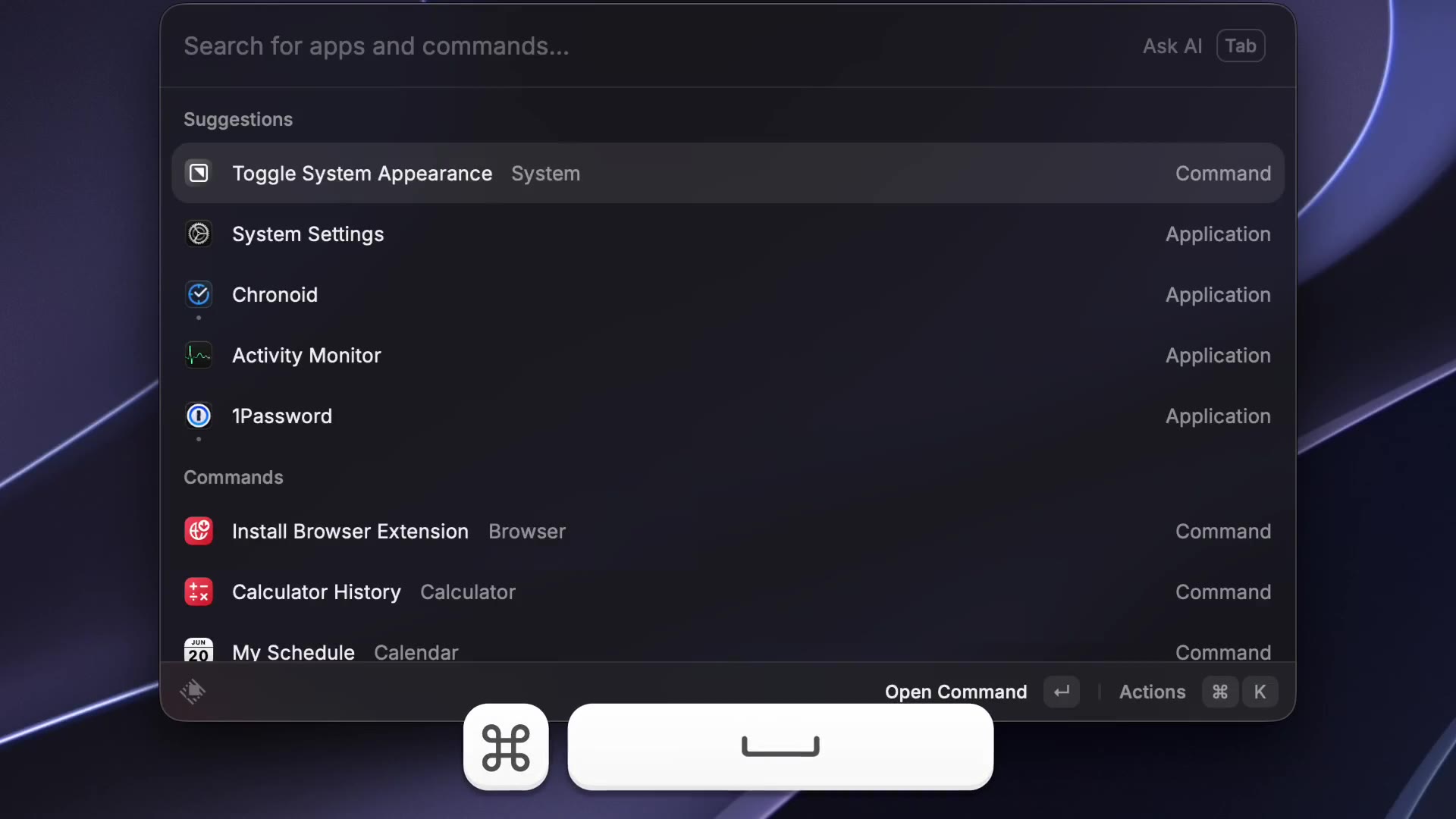
Annotations & keystrokes
Arrows, boxes, text and redaction blocks, plus an on-screen keystroke overlay.
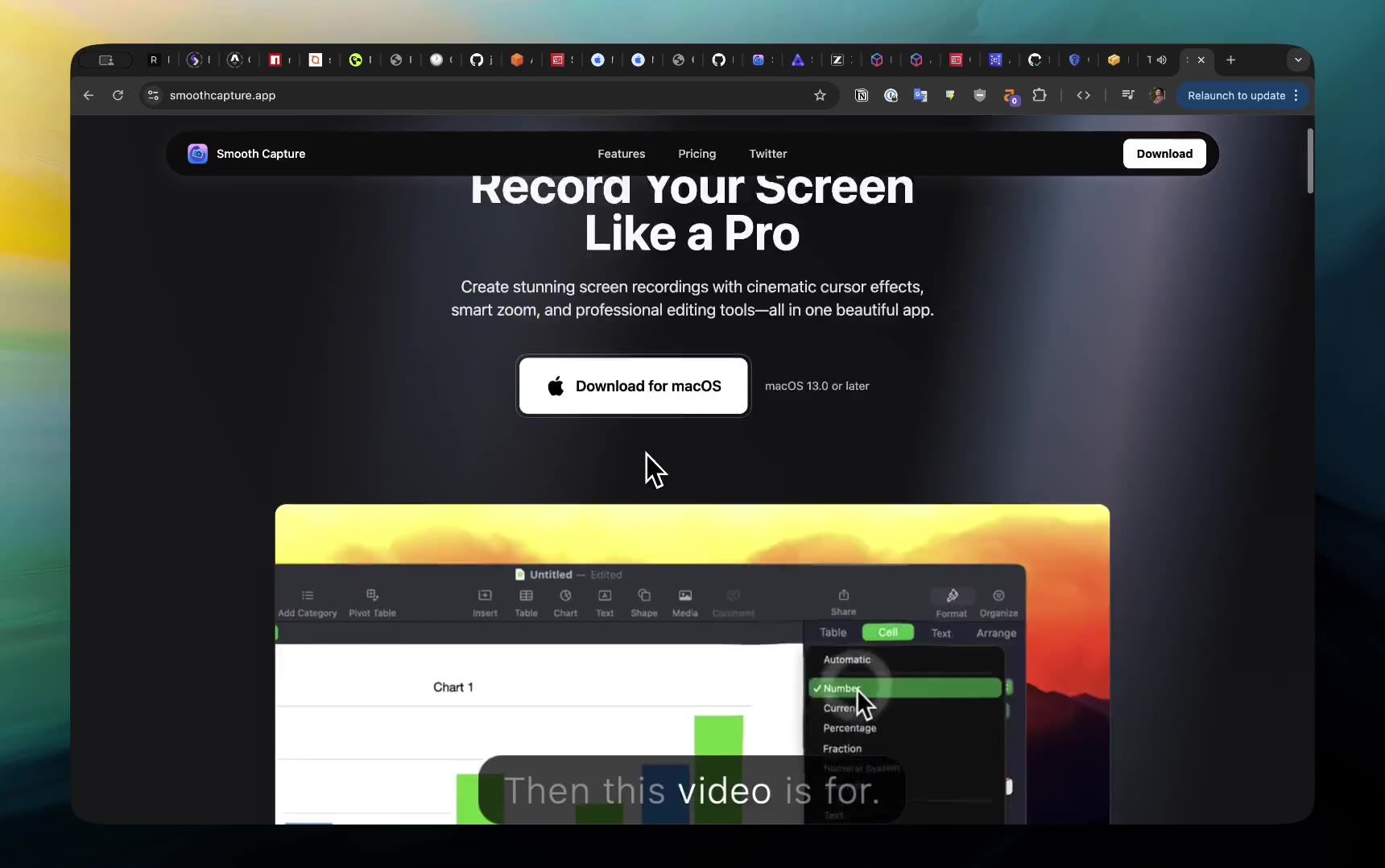
Captions & transcripts
On-device transcription, word-by-word captions and transcript-based cutting.
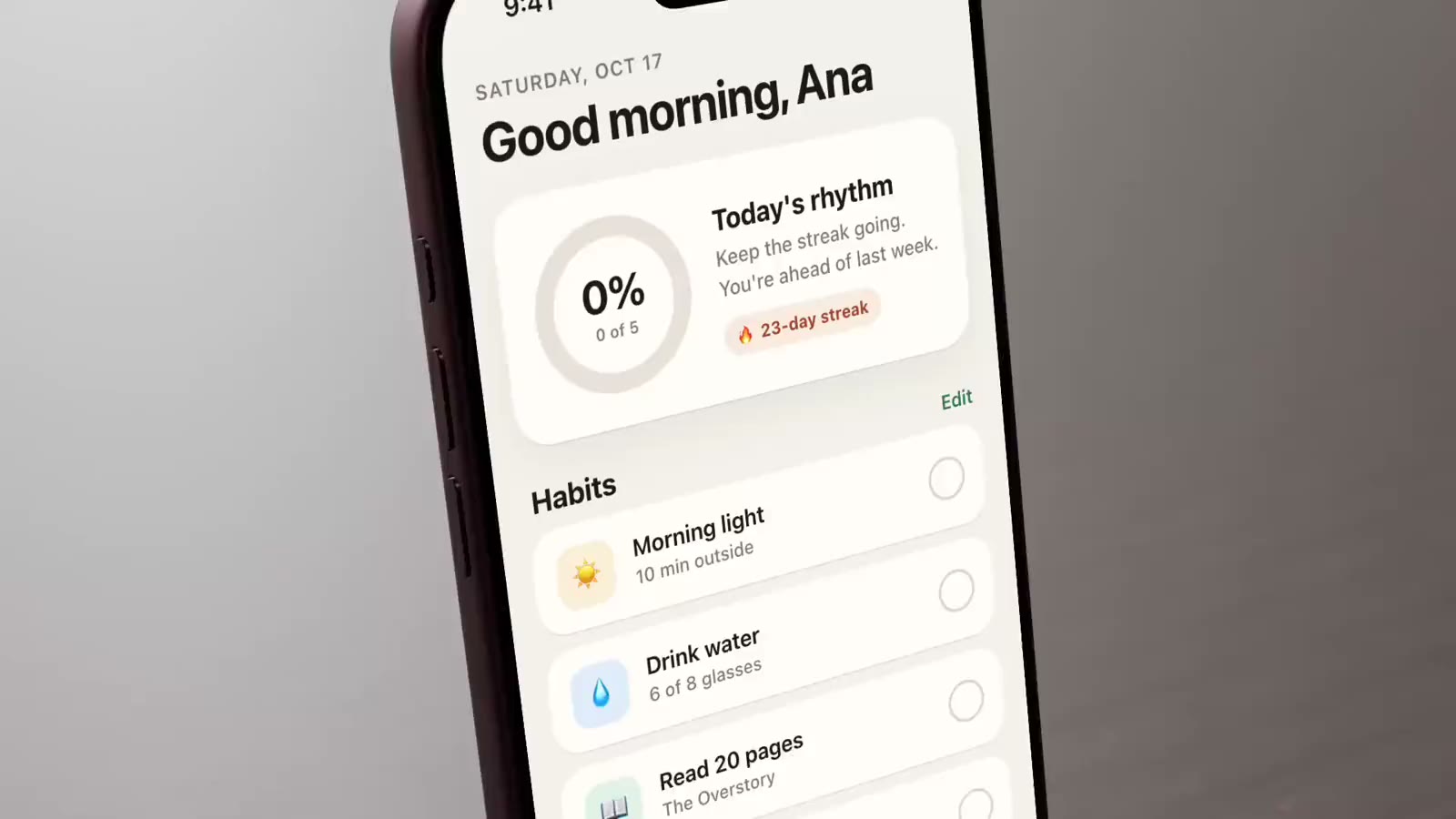
3D device mockups
Film your recording on a real 3D iPhone, iPad, Mac or Apple Watch.
Motion templates
One-click 3D camera moves, played live in the gallery.
Try it on your own recording.
Record and edit for free. A licence unlocks export.
